
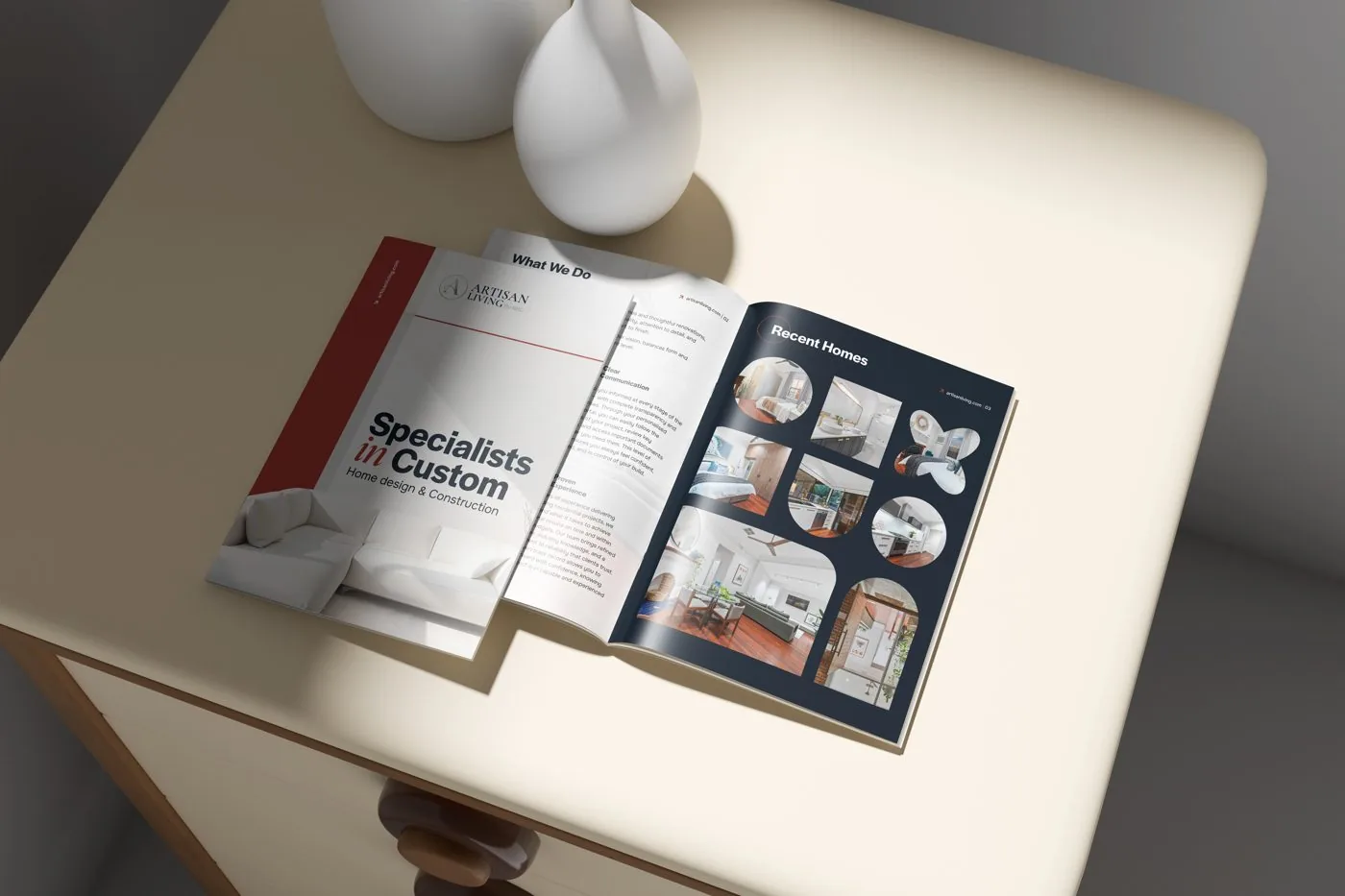
This guide explains the choices in plain language, so you can brief your designer and printer with confidence.
Standard brochure sizes
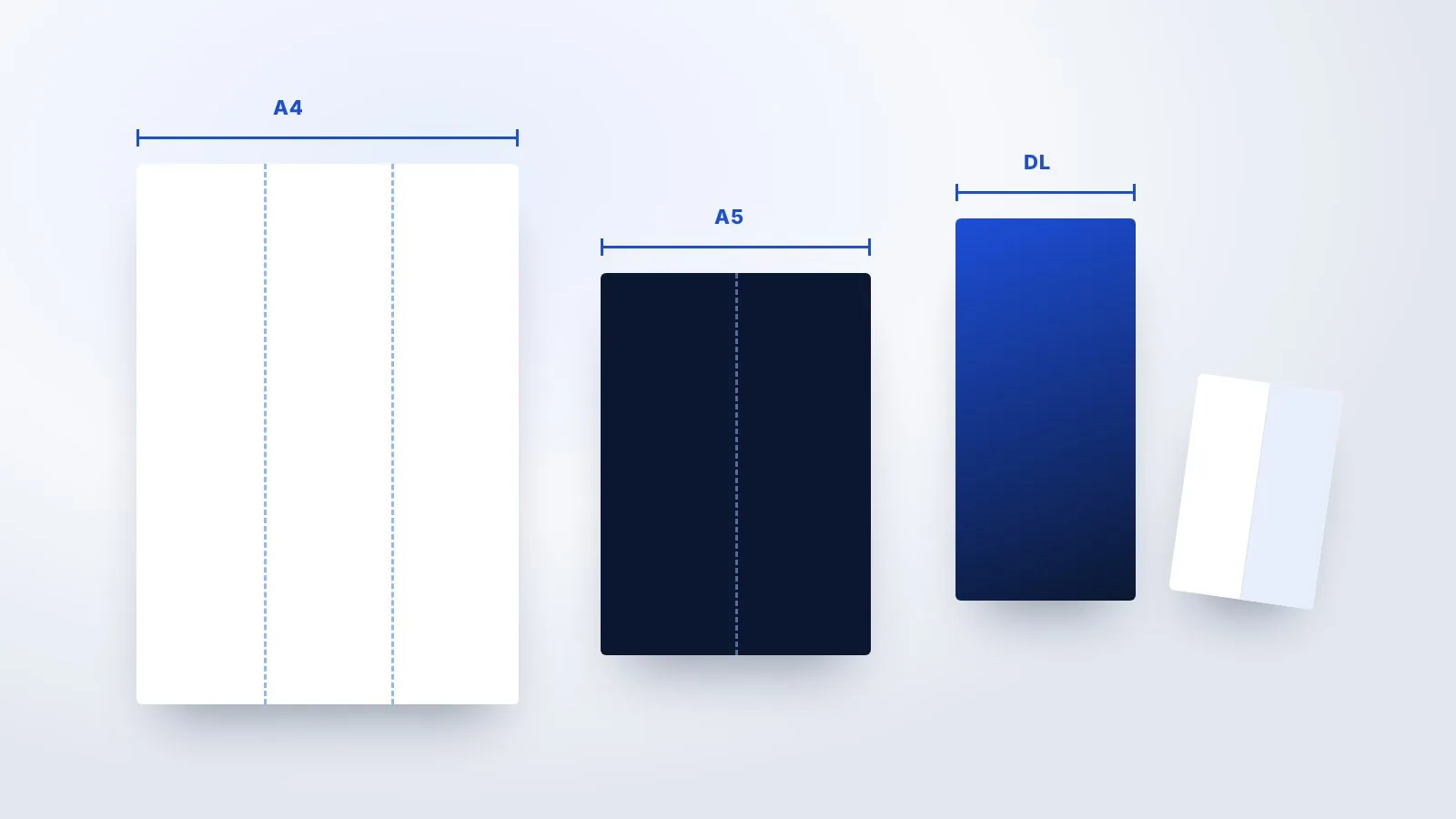
Most printers in India work with ISO paper sizes. These are the ones you will hear most often:
Square and custom sizes can look distinctive, but they may cost more to print and may not fit standard envelopes or display stands.
Fold types explained
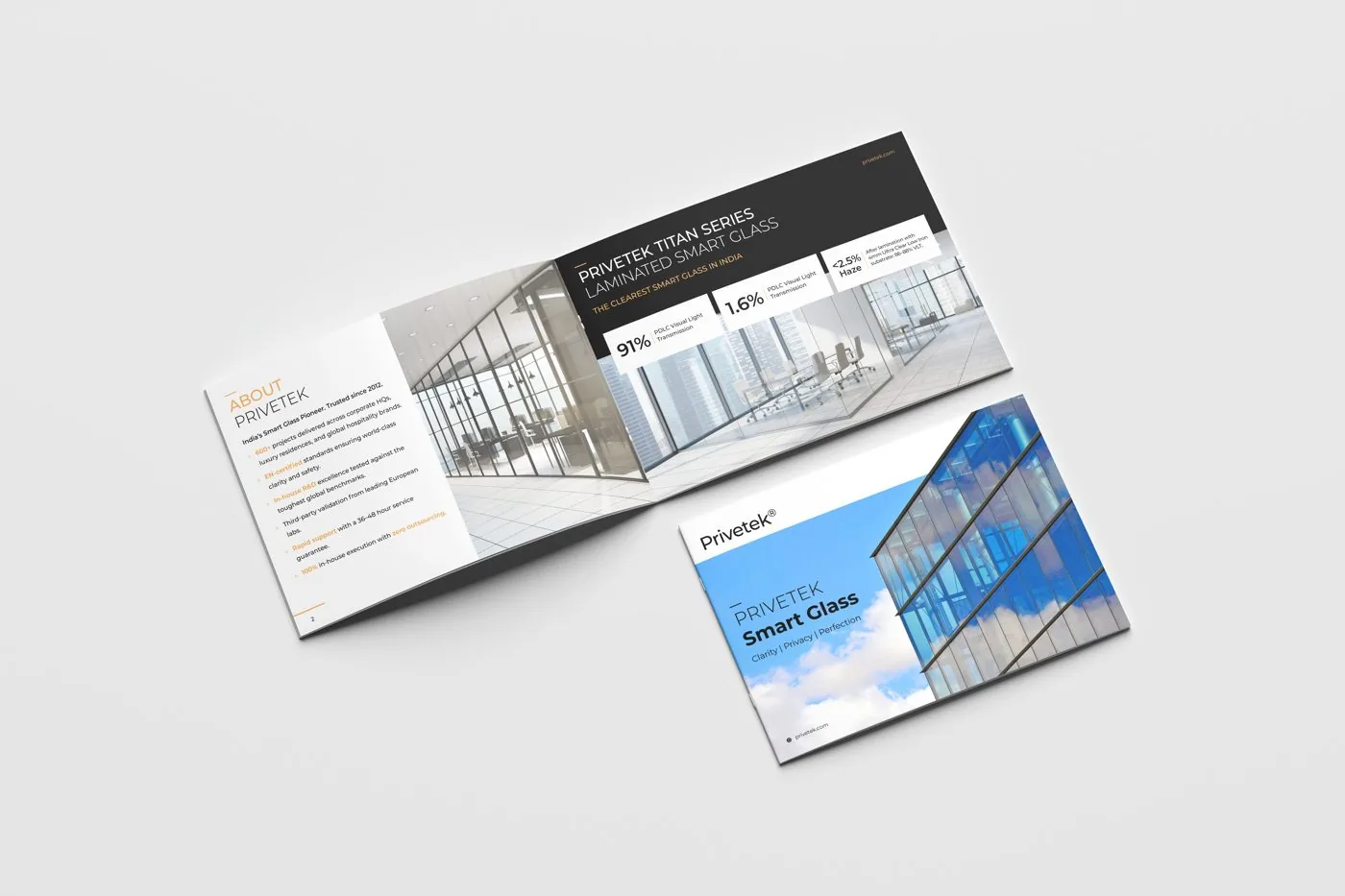
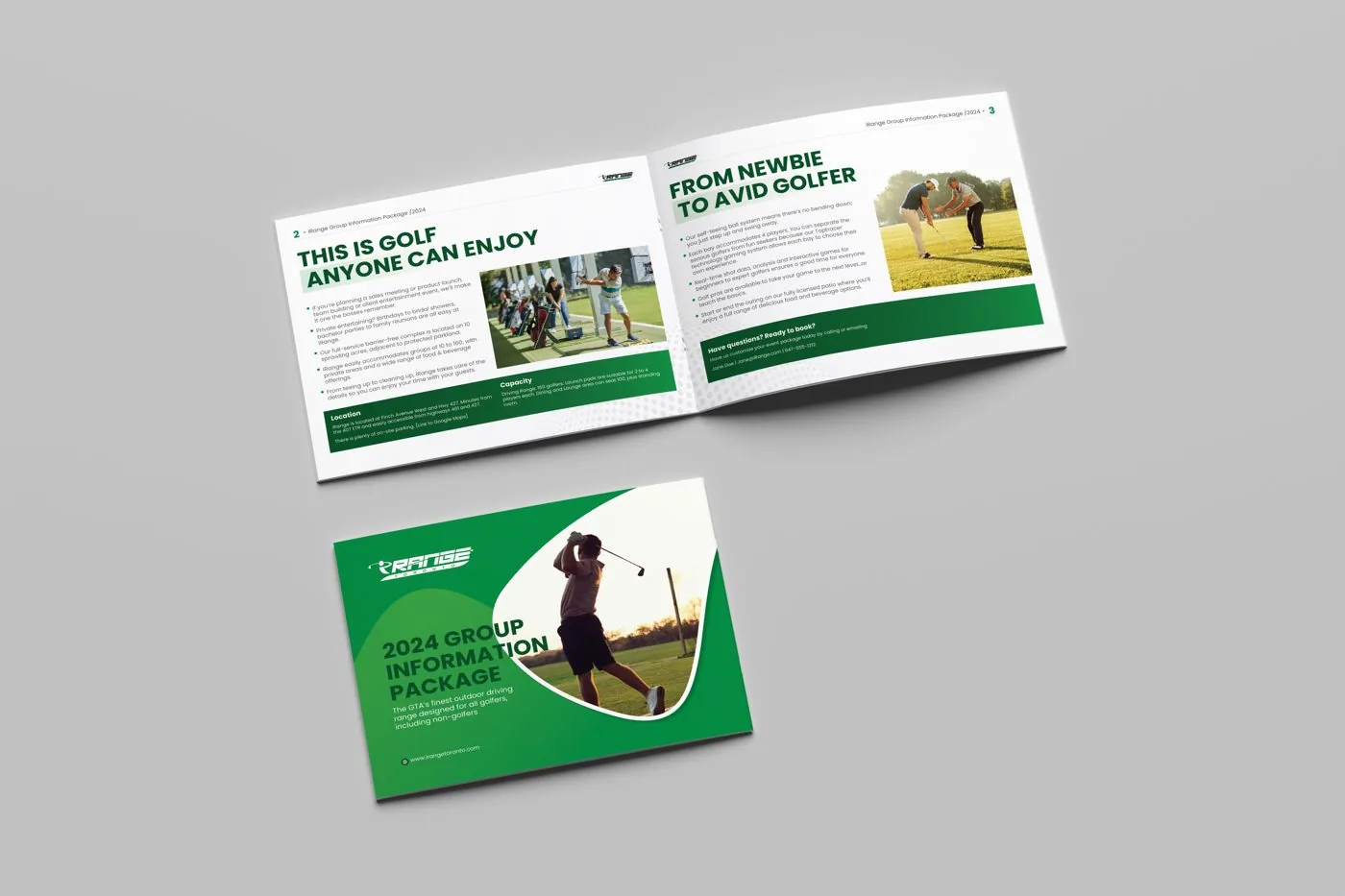
- Bi-fold (half fold): one fold, four pages. Good for a short company introduction or product launch.
- Tri-fold (letter fold): two folds, six panels, with the ends folding inwards. The most popular handout format.
- Z-fold: panels fold in a zig-zag, so the brochure opens in one movement. Good for steps or timelines.
- Gate fold: two outer panels open like doors to reveal a large centre spread. Good for premium launches.
- Booklet: several sheets folded and stapled (saddle-stitched), for content longer than a folded sheet allows.
The fold changes the order in which people read your panels, so plan the content after choosing the fold. Our tri-fold brochure design page explains panel order in more detail.
Want the size, fold and paper decided for you? We plan it and send print-ready files.
Get a free quote in 24 hoursPaper GSM and finishes
GSM means grams per square metre. A higher number means thicker, heavier paper. As a rough guide:
- 130–170 GSM: common for inside pages and folded brochures. Easy to fold, light to post.
- 250–350 GSM: for covers and premium leaflets. Feels solid, but needs creasing before folding to avoid cracking.
- Matte lamination: soft, elegant and easy to read under bright light.
- Gloss lamination: makes colours and photos look brighter.
- Spot UV and foil: add shine to a logo or headline for a premium feel, at extra cost.
Your printer can show paper samples. Hold them before deciding, because paper feel is hard to judge on screen.
Bleed, margins and safe zones
Printers cut sheets in stacks, so the cut can move slightly. To avoid thin white edges, any colour or image that touches the edge should extend about 3 mm beyond it. This extra area is called bleed.
Keep important text and logos inside a safe margin of at least 3–5 mm from the trim, and further from folds. Files should also be in CMYK colour for printing, with images at print resolution.
Which format suits which use
Common print mistakes
- Text too close to folds, which makes words disappear into the crease.
- No bleed, which leaves thin white lines on the edges after cutting.
- RGB files, which can make colours look dull when printed.
- Low-resolution photos taken from websites or WhatsApp.
- Skipping the printed proof, which is the last chance to catch mistakes cheaply.
Printer briefing checklist
- Finished size and folded size
- Fold type and number of pages or panels
- Paper GSM for cover and inside pages
- Finish: matte, gloss, spot UV or foil
- Quantity and delivery date
- Print-ready PDF with 3 mm bleed and crop marks
Not sure whether you need a brochure at all? Read company profile vs brochure. When you are ready, our brochure design team prepares print-ready files and can speak to your printer directly. For single-sheet handouts, our flyer design team uses the same print specs.
Brochure printing FAQs
What is the most common brochure size in India?
A4, either as a flat sheet, a multi-page booklet or folded into a DL-sized tri-fold.
What size is a tri-fold brochure when folded?
An A4 tri-fold folds down to roughly DL size, 99 × 210 mm.
Which GSM is best for a brochure?
Usually 130–170 GSM for folded brochures and inside pages, and 250–350 GSM for covers or premium leaflets.
What is bleed?
Extra image area, usually 3 mm, beyond the trim edge so no white lines appear after cutting.
Matte or gloss?
Matte feels more premium and is easier to read; gloss makes photos and colours pop.
Can you send files directly to our printer?
Yes. We set up files to your printer’s specifications and can share them directly.
Want a brochure that prints right the first time?
We plan the size, fold and paper with you and deliver print-ready files. Written quote within 24 hours.