
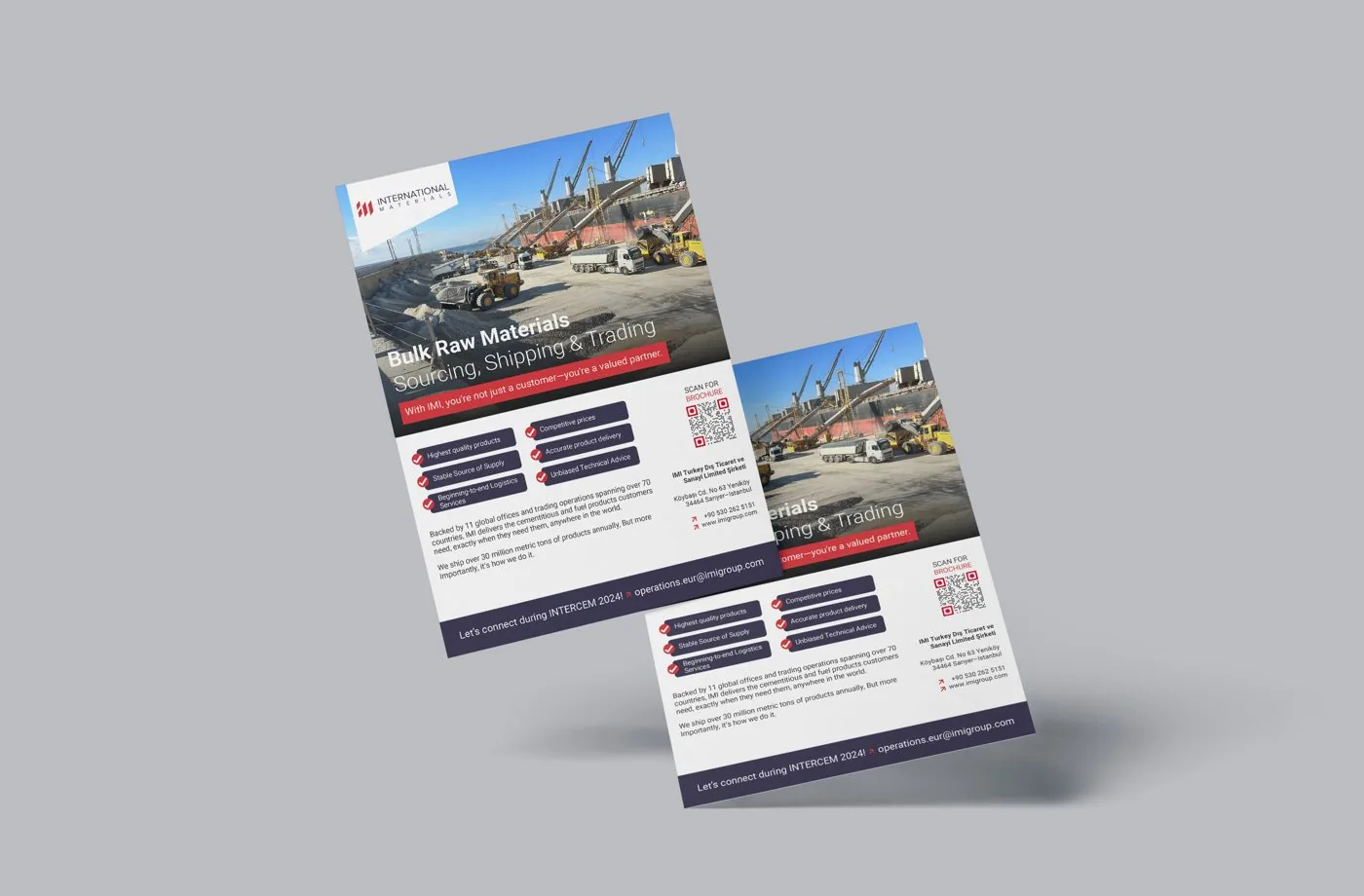
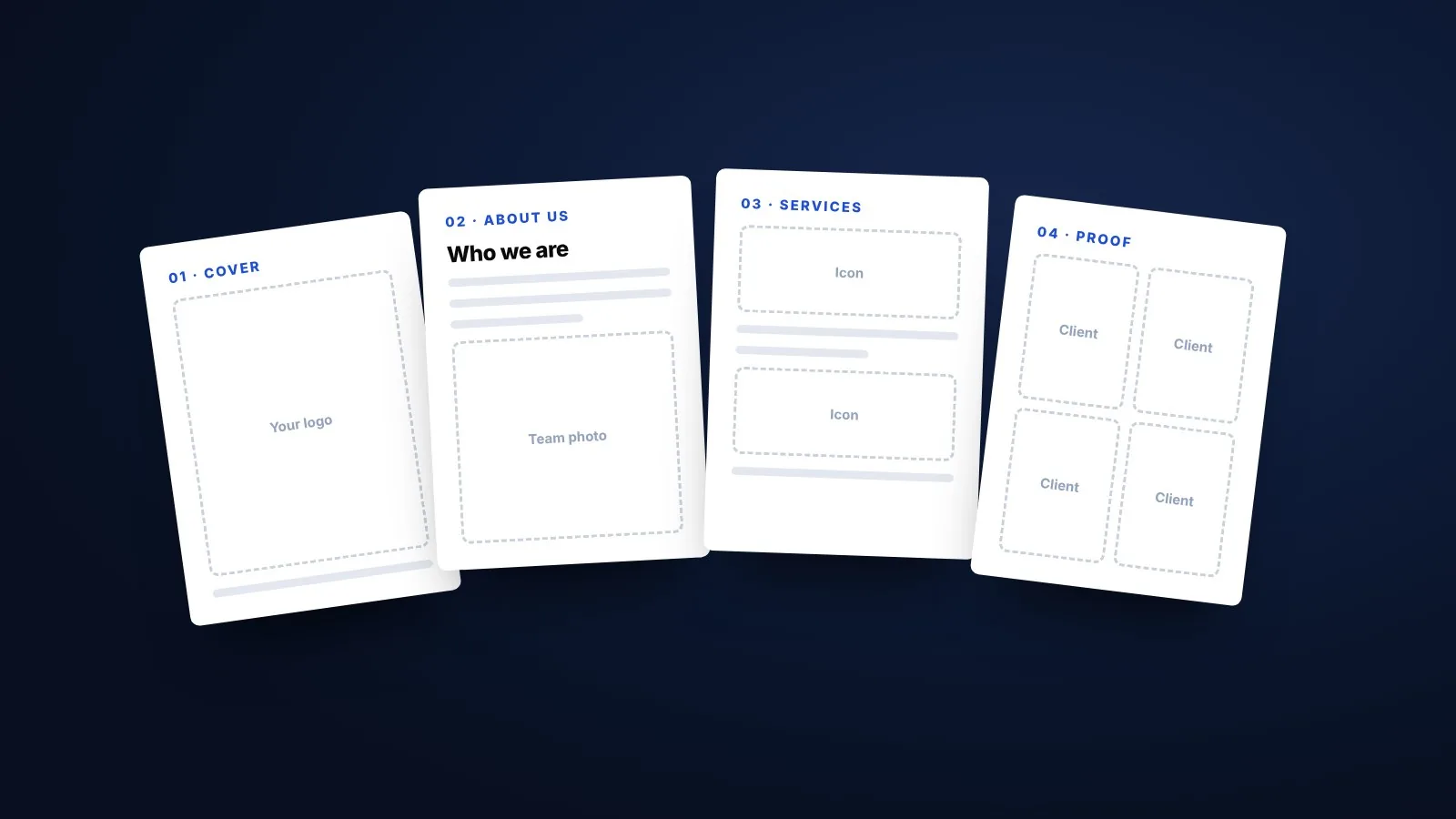
This template works the other way round. It gives you the sections in the right order and a prompt for each one, so you can write a profile that answers what buyers, tender committees and banks actually check.
What is in the template
The template covers seven sections. Most small and mid-sized businesses fit them into 8 to 16 pages.
How to fill each section
Cover
Use your logo, company name and one clear line, such as “Precision castings for automotive and pump manufacturers”. Avoid slogans that could belong to anyone.
About us
Write two or three short paragraphs. Add three or four numbers that matter to your buyer, such as years in business, clients served or monthly capacity.
Products or services
Give each group one line on what it is and one line on the result it delivers. Keep detailed specifications for a catalogue.
Capability
List machinery, facilities, team size and quality processes. Add real photos. This is the section tender committees read most closely.
Clients and projects
Pick projects similar to the work you want next. For each one, note the client type, what you delivered and the result.
Registrations and certifications
Include the details buyers commonly ask for, such as GSTIN, Udyam (MSME) registration and ISO certificates. Check every number against the original certificate.
Contact
Add a named contact person, phone, email and address, plus one clear next step.
For more detail on writing each part, read how to write a company profile.
Filled in the template? Send it over and we will turn it into a designed, print-ready profile.
Get your profile designedCommon mistakes when using a template
- Keeping the sample text. Readers notice placeholder words and generic claims.
- Using stock photos. Real photos of your team and work build far more trust.
- Filling every section. Leave out anything that does not help your reader decide.
- Mixing fonts and colours. Stick to your brand colours and one or two fonts.
- Forgetting to update. Old clients, expired certificates and wrong numbers damage trust.
Tips for better photos
Photos often decide how professional a profile looks. Shoot in daylight, keep backgrounds tidy, and show people at work rather than empty rooms. For a factory or warehouse, a few wide shots plus close-ups of machinery and finished products work well. A phone camera is fine if the lens is clean and the light is good.
Template vs custom design
A template is a good way to organise your thinking and produce a first draft. It works well for a new business or an internal document.
When the profile is going to a tender committee, a large client or an export buyer, the presentation matters as much as the content. A custom design uses your brand, real photos and a layout built around your story, so it does not look like every other template profile. Our guide to agency, freelancer or template can help you decide.
Use the template
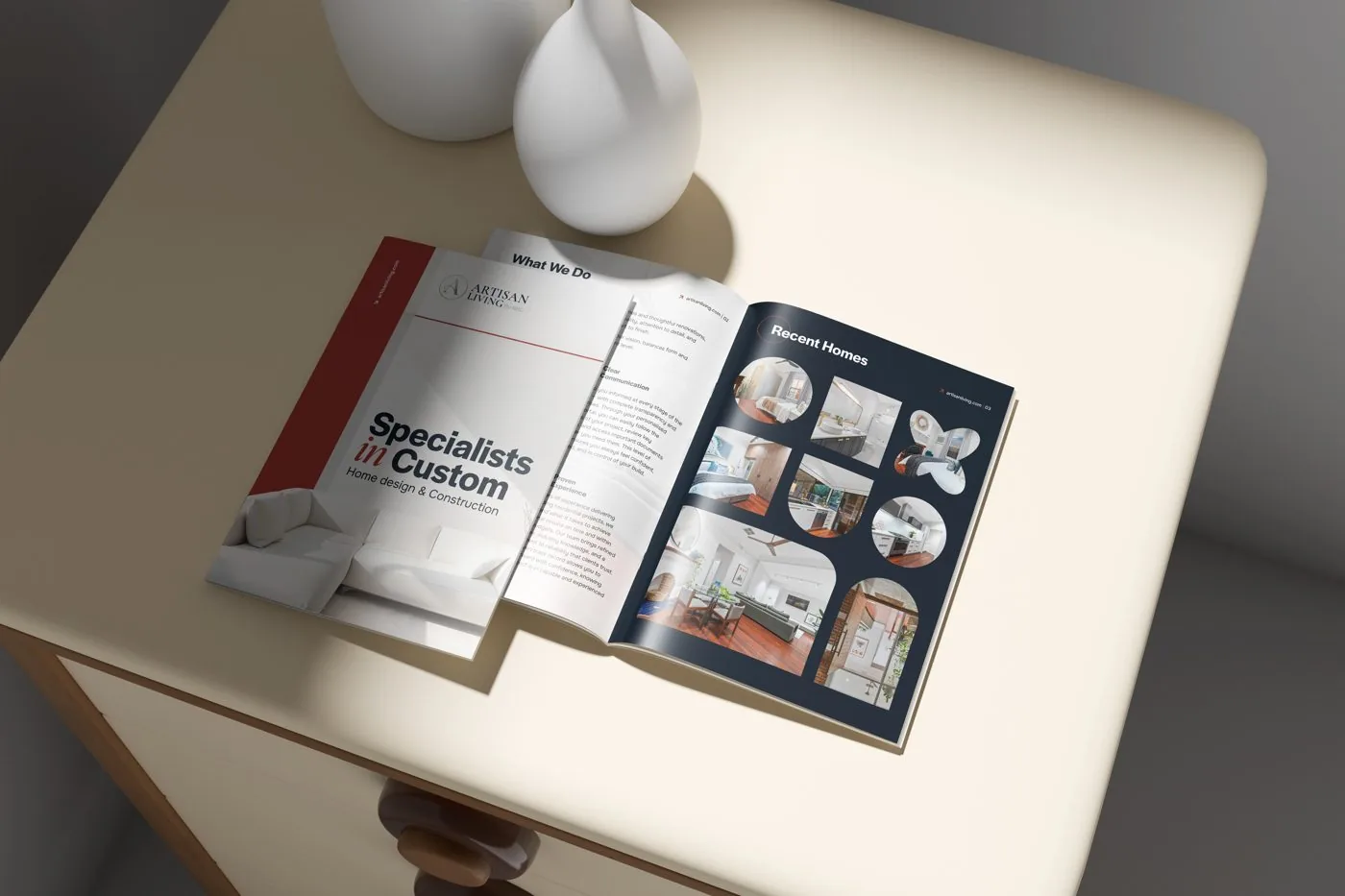
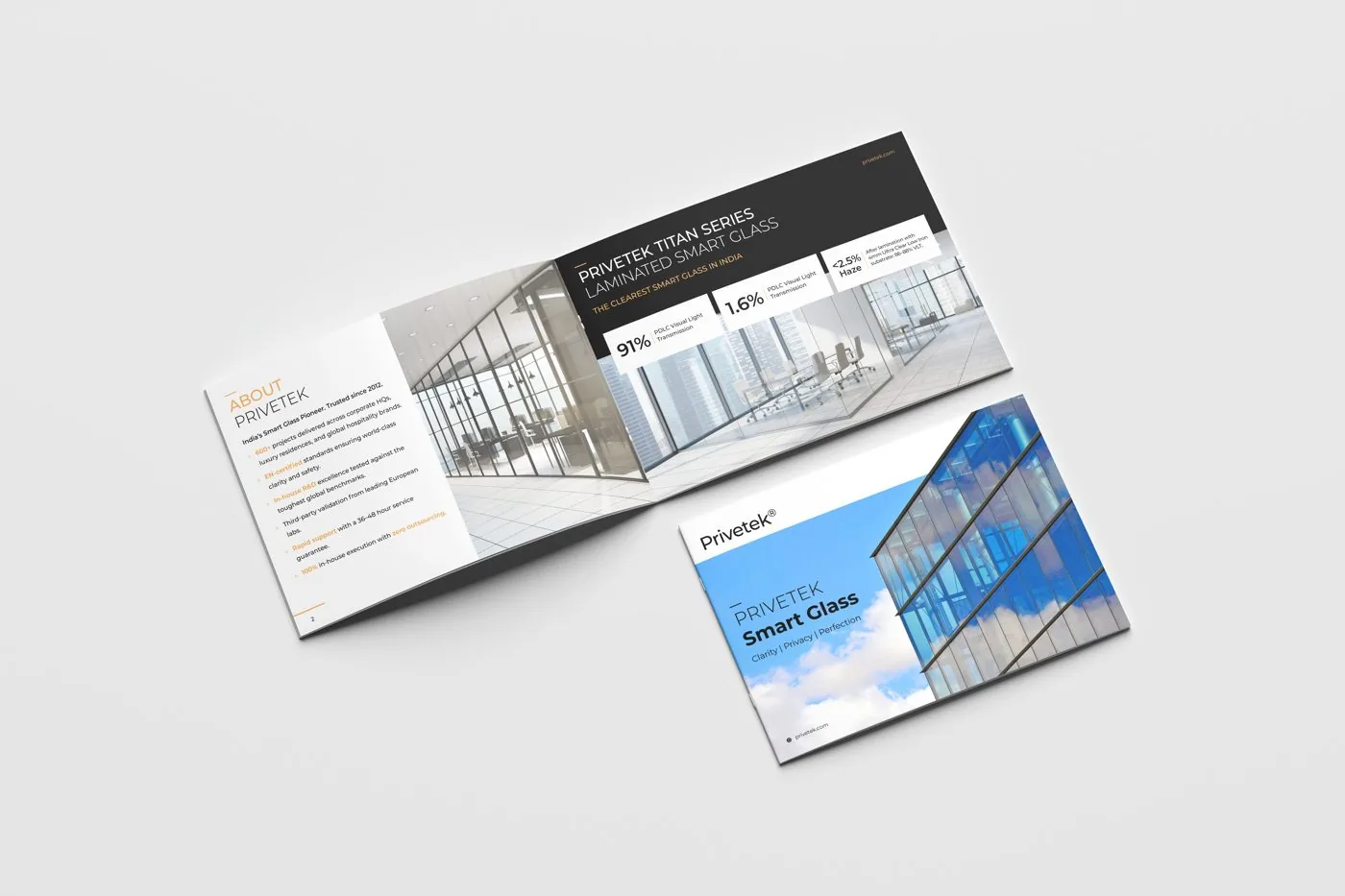
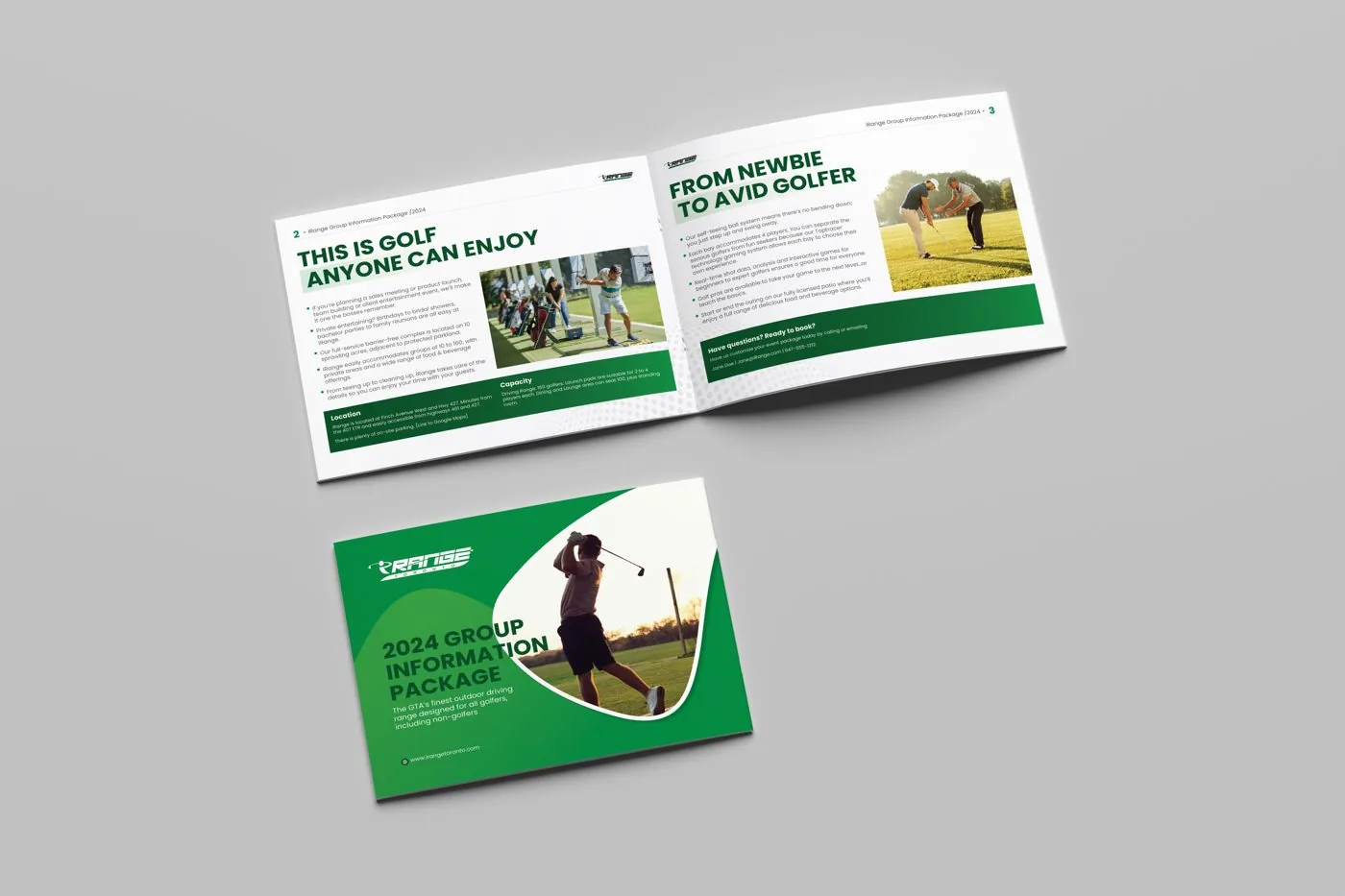
The section table above is the template. Copy it into Word or Google Docs and answer each prompt in order. If you would rather skip the writing, our company profile design team drafts every page from a short call and designs it for print and WhatsApp. You can see company profiles we have designed first.
Company profile template FAQs
Is the company profile template free?
Yes. Copy the section table on this page into Word or Google Docs and fill it in yourself.
How many pages should I fill?
Most businesses need 8 to 16 pages. Skip any section that does not help your reader.
Can I use the template for a tender?
You can use it to organise your content. For important tenders, a custom design usually makes a stronger impression.
Can you design my profile from the filled template?
Yes. Send us the completed template and we will turn it into a designed, print-ready profile.
Should I add photos?
Yes. Real photos of your team, premises and work build far more trust than stock images.
Filled the template? Let us design it.
Send your draft and get a written quote within 24 hours for a designed, print-ready profile.